Pyctures
Python 2D and 3D graphics, in the browser
Write a short Python program and it draws in a web browser: shapes, animations, games, live charts and lit 3D scenes. Python gets the web's 2D canvas and three.js, with the same names as in JavaScript.
Free and open source, MIT licence. Python 3.9 or newer.
Try Pyctures in your browser
200 coloured dots on the golden angle, turning and leaving trails.
Open in CircuitryChange the code and press Run (or Cmd/Ctrl+Enter). Python runs in your browser; the first run loads it, which takes a few seconds.
Run it with your own Python
Save a scene as hello.py. draw() is called every frame, ctx is the 2D drawing surface, and width and height are the size of the canvas. There is nothing to import.
import math

def draw():
    ctx.fill_style = "midnightblue"
    ctx.fill_rect(0, 0, width, height)
    for i in range(12):
        ctx.fill_style = f"hsl({i * 30}, 80%, 60%)"
        ctx.begin_path()
        ctx.arc(width / 2 + 120 * math.cos(i / 1.91), height / 2 + 120 * math.sin(i / 1.91), 20, 0, math.tau)
ctx.fill()pyctures run hello.pypyctures build hello.py -o hello.htmlrun uses your own Python, so numpy and anything else you have installed works; save the file and the scene runs again. build makes a folder or a single page that runs Python in the browser, so it can go on any static host or in an email.
The same names as JavaScript
The calls are the web's 2D canvas and three.js calls, so any JavaScript graphics example comes across with a few small changes.
const cube = new THREE.Mesh(new THREE.BoxGeometry(1, 1, 1),
                            new THREE.MeshStandardMaterial({ color: 0x44aaff }));
scene.add(cube);
function animate() {
  cube.rotation.y += 0.01;
  renderer.render(scene, camera);
  requestAnimationFrame(animate);
}
animate();cube = THREE.Mesh(THREE.BoxGeometry(1, 1, 1),
THREE.MeshStandardMaterial(color=0x44aaff))
scene.add(cube)
def draw():
cube.rotation.y += 0.01
renderer.render(scene, camera)The full guide: bringing a JavaScript example across.
Put scenes on your website
Each scene is a <div> naming a Python file. It fills its box, starts when it scrolls into view and pauses when it leaves. Python runs in a background thread, so a slow frame cannot hold up the page. The browser half is on npm as pyctures.
<div data-pyctures-src="balls.py"></div>
<div data-pyctures-src="knot.py" style="height: 420px"></div>
<script type="module" src="pyctures/pyctures.js"></script>
Built into Circuitry
In Circuitry's code editor a Python file shows its picture in a preview beside the code. Ask for a game or a 3D scene and a ready-made file opens and starts running. File → Export as Web Page saves a scene as one page that runs in any browser.
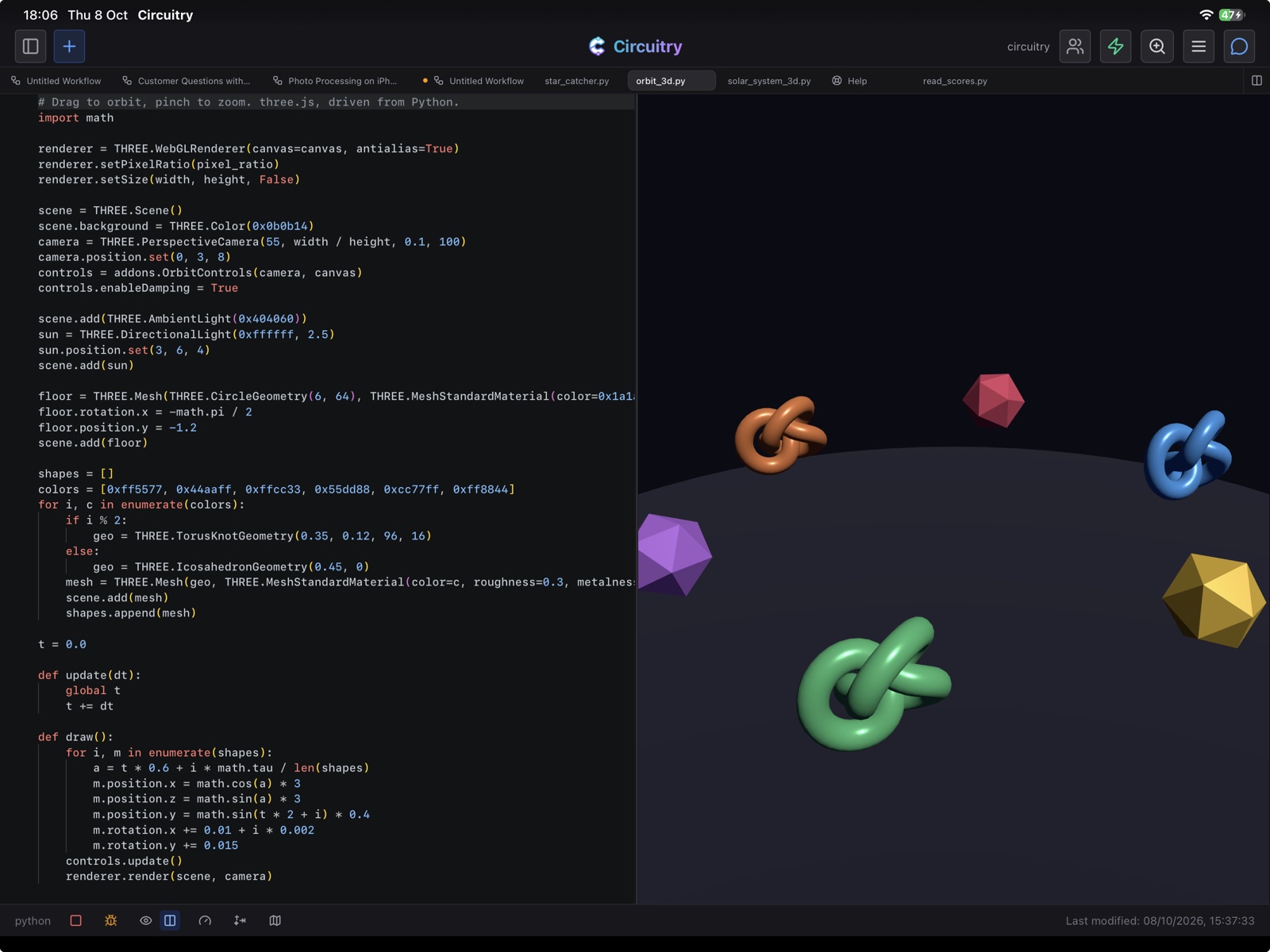
Open a scene in Circuitry
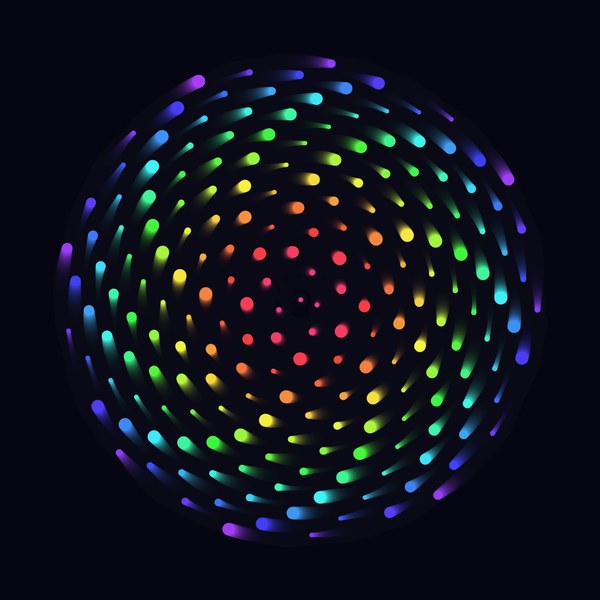
Spiral Garden
2D · Python
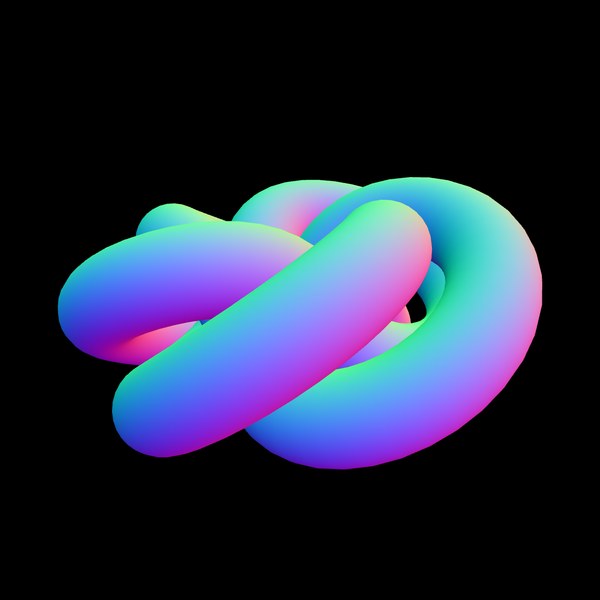
Torus Knot
3D · Python
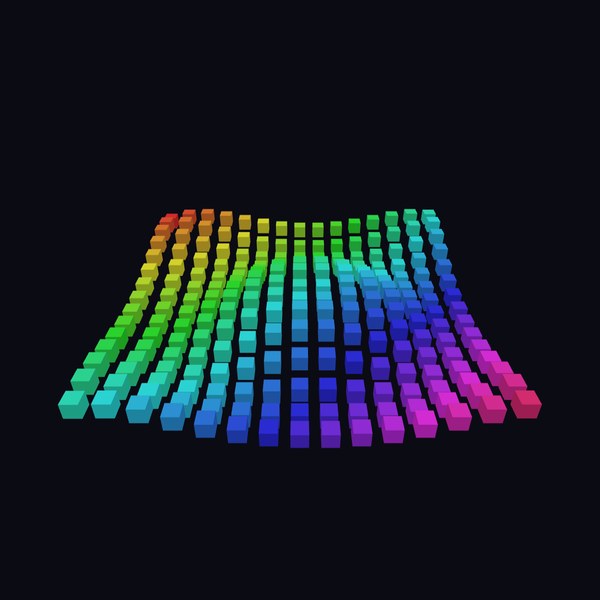
Wave Grid
3D · Python
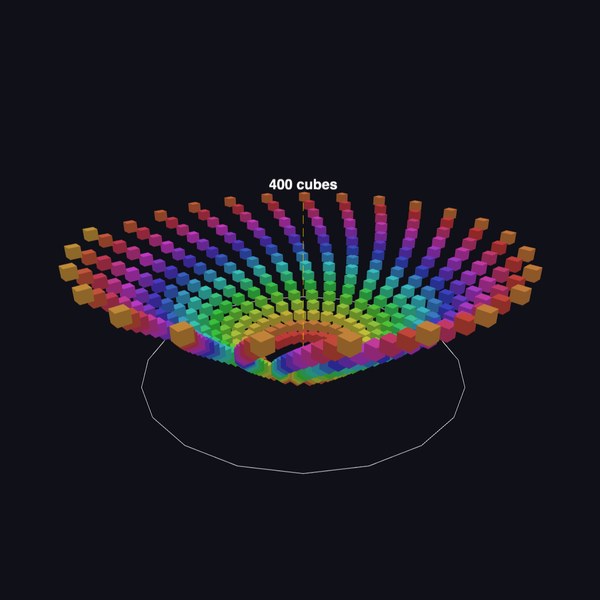
Cube Spiral
3D · Python
Starfield
2D · Python
More scenes, each with its code: the Pyctures gallery.