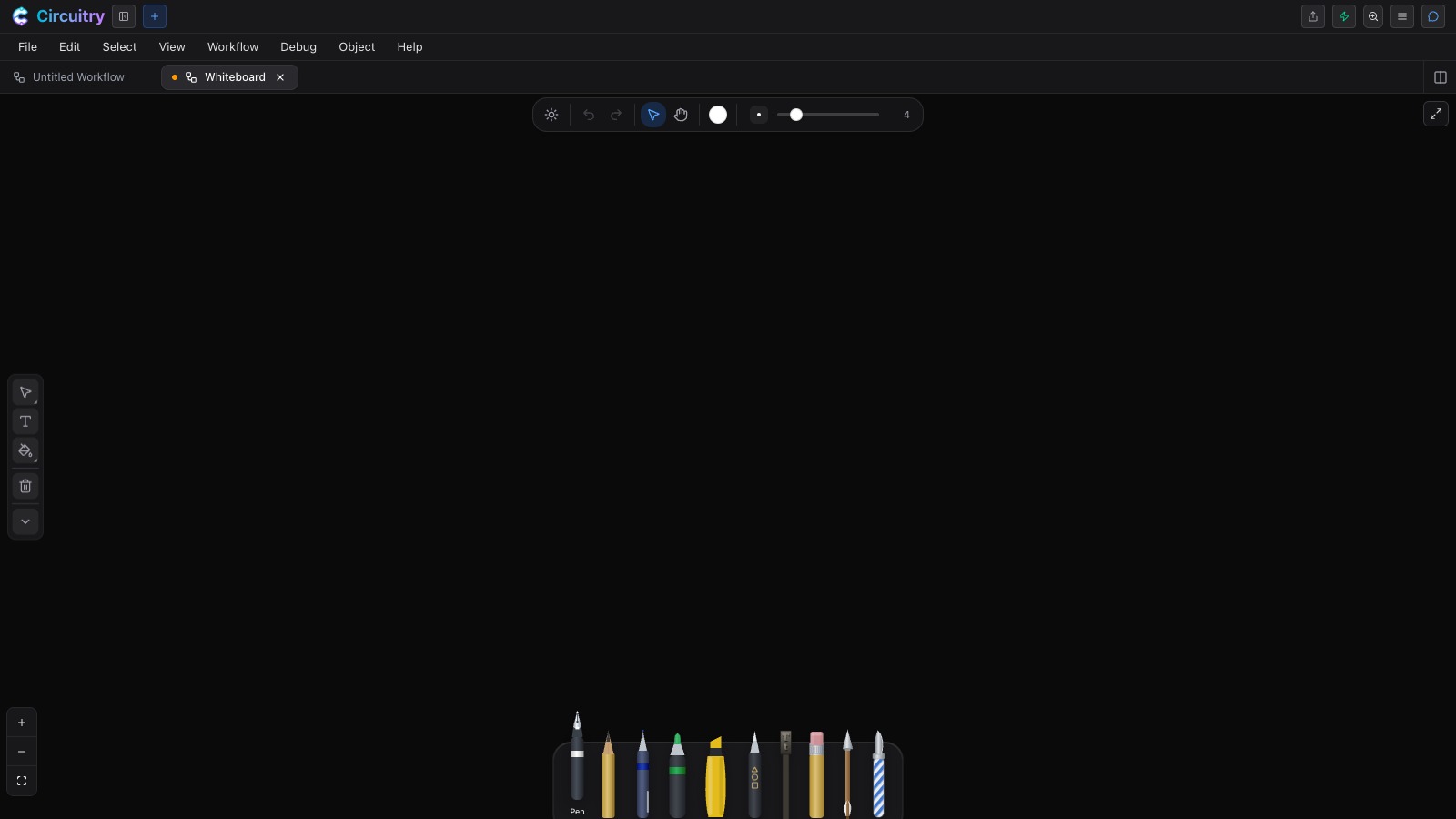
A board you draw on with a pen, a finger or a mouse. Sketch the boxes, handwrite the labels, draw the arrows between them — the board reads the structure behind what you drew, so the sketch becomes a clean diagram, and then a workflow that runs.
Part of Circuitry Studio — the same AI works in every surface, on the models you choose.
Pick up the Write pen and write the way you normally write. In Auto OCR mode the words convert to editable text when you pause, in a typeface you pick from the capsule above the board. It reads print handwriting. On an iPad the pen starts in Auto OCR; elsewhere it starts in Type mode, where it drops a text cursor wherever you click.
Pick up the Shape implement and draw freehand — a circle, a rectangle, a triangle, a polygon — and a clean shape replaces your stroke as you lift the pen. It stays a real editable shape afterwards: double-click it and you get its anchor points to move, one by one. If you already know what you want, force the mode: Auto, Rect, Oval, Circle or Poly.
Because the board knows what its own contents are, the agent reads the shapes, the labels, the connectors and what you have selected — and how they relate to each other. It can draw on the board too, so you can point at things and answer each other in the same place.
Select a sketch and generate a finished image from it, right there on the board. Remove its background, trace it into clean vectors you can edit and scale, and hand the result to the coding agent to put into your project — without any of it leaving the studio.
Pen, pencil, ballpoint, marker, highlighter, a path pen for exact outlines, an arrow, an eraser and a lasso, in a tray that stays tucked under the board until you reach for it. Every implement keeps its own colour and size, so going back to the blue pen brings your blue back with it — and every one answers to a single letter under your left hand, so you change tools without putting the pen down.
The tray, raised. Each nib is the implement it draws like.
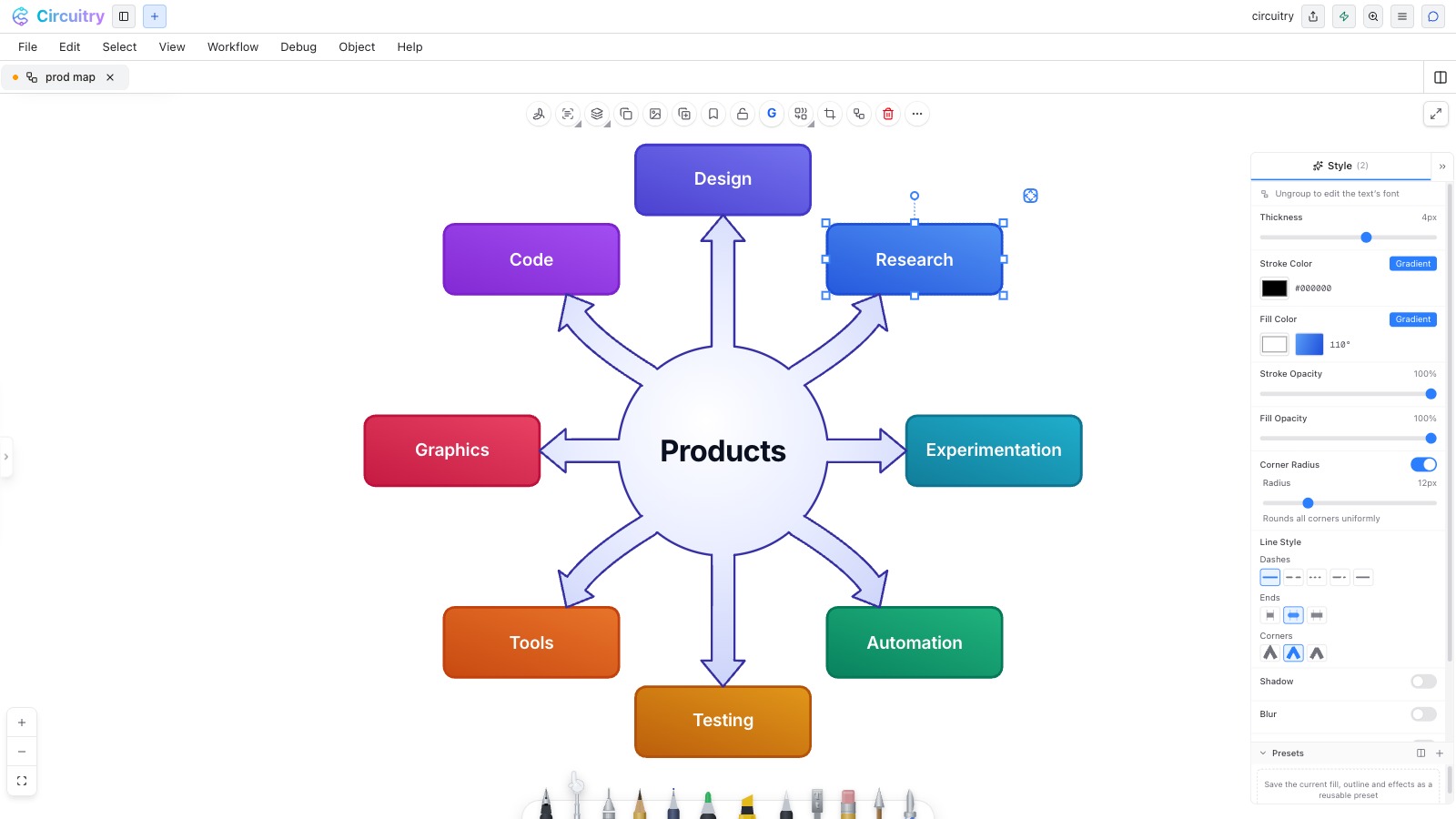
The Style panel open on a diagram block — gradient fill, corner radius and line ends, all live.
Select what you drew and File → Export Selection as SVG writes a scalable vector file cropped to just those objects. Shapes stay shapes, pen strokes keep their drawn outline, and the file opens in any design tool — so a diagram sketched here goes into a document or a deck at full size.
On an iPad the Apple Pencil draws and your finger navigates, so panning and pinch-zooming never leave a stray mark on the board. Pressure and speed shape the line the way they do on paper, and the Write pen starts in Auto OCR there, so a page of handwritten notes arrives as text.
The board sits next to the tabs holding your project’s real files, your terminals, your notes and your designs. The same agent reads all of them — so what you worked out on the board is already in front of the thing that has to build it.
The full tour of the board →Free for non-commercial use, with 10 saved cloud documents. Live collaboration is on the paid plan.
The other surfaces in the studio